
See Claude Code's status
at a glance.
An always-visible cat companion that shows what Claude Code is doing. No more window switching.
Always know what's happening
Your cat reflects Claude Code's status in real-time. No guessing, no switching windows.
Idle
Napping while waiting
Working
Typing away
Needs Input
Waving for attention
Done!
Celebrating success
Make it yours
Swap the default cat for any character you want. Upload MP4, GIF, or Lottie animations for each state — characters, memes, pets, anything. Your companion, your style.
Each skin has 4 animations: idle, working, needs input, and completed. Community skins are coming soon to the gallery.







Clarity at a glance
Always Visible
Stays on top. Never lose sight of status.
Auto Sync
Hooks install once. Just works forever.
Lightweight
Minimal resources. Won't slow you down.
Herd your cats
Running multiple Claude Code sessions? Each one gets its own cat. See all your sessions at a glance — know which ones are working, which need input, and which are done.
Simple to get started
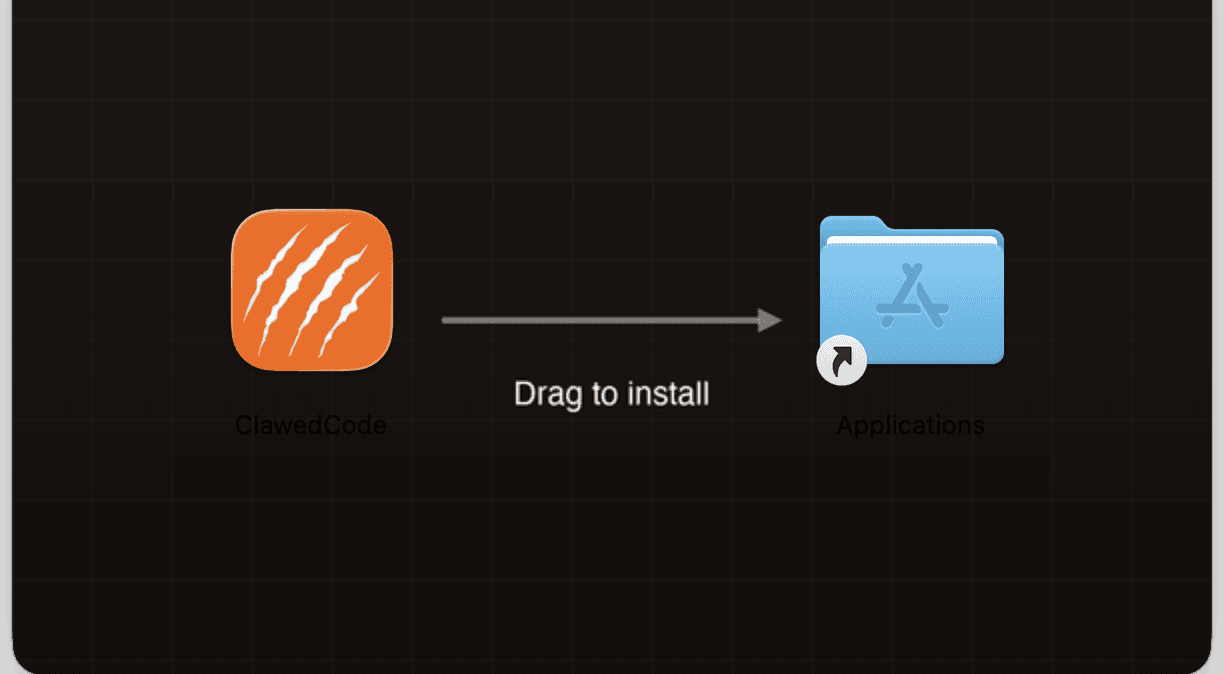
Download
Grab the free app from our site and open it up.
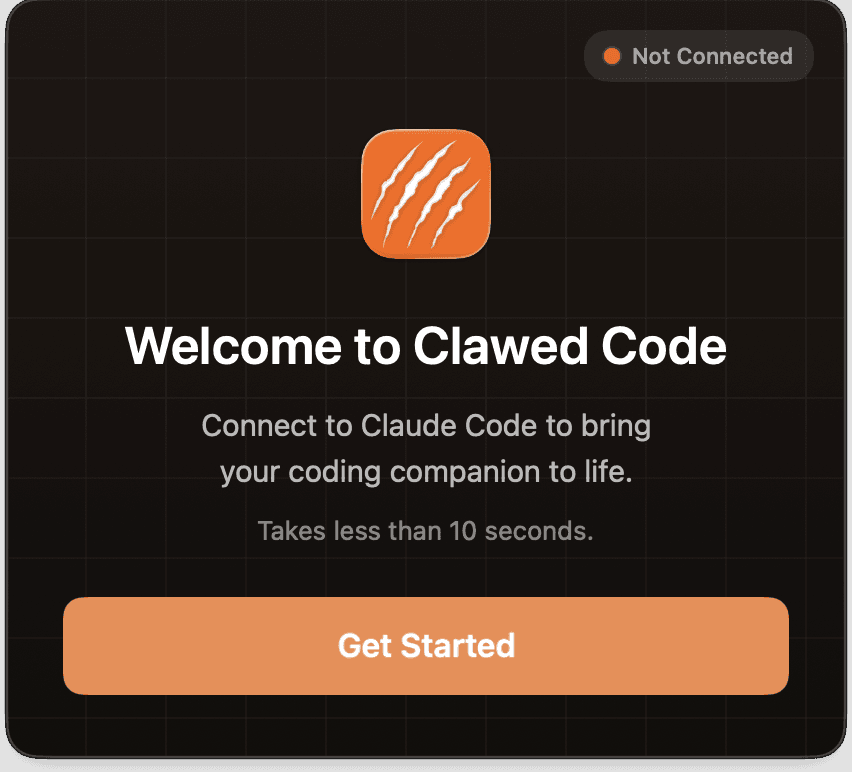
Quick Setup
Follow the in-app onboarding to install hooks with one click.
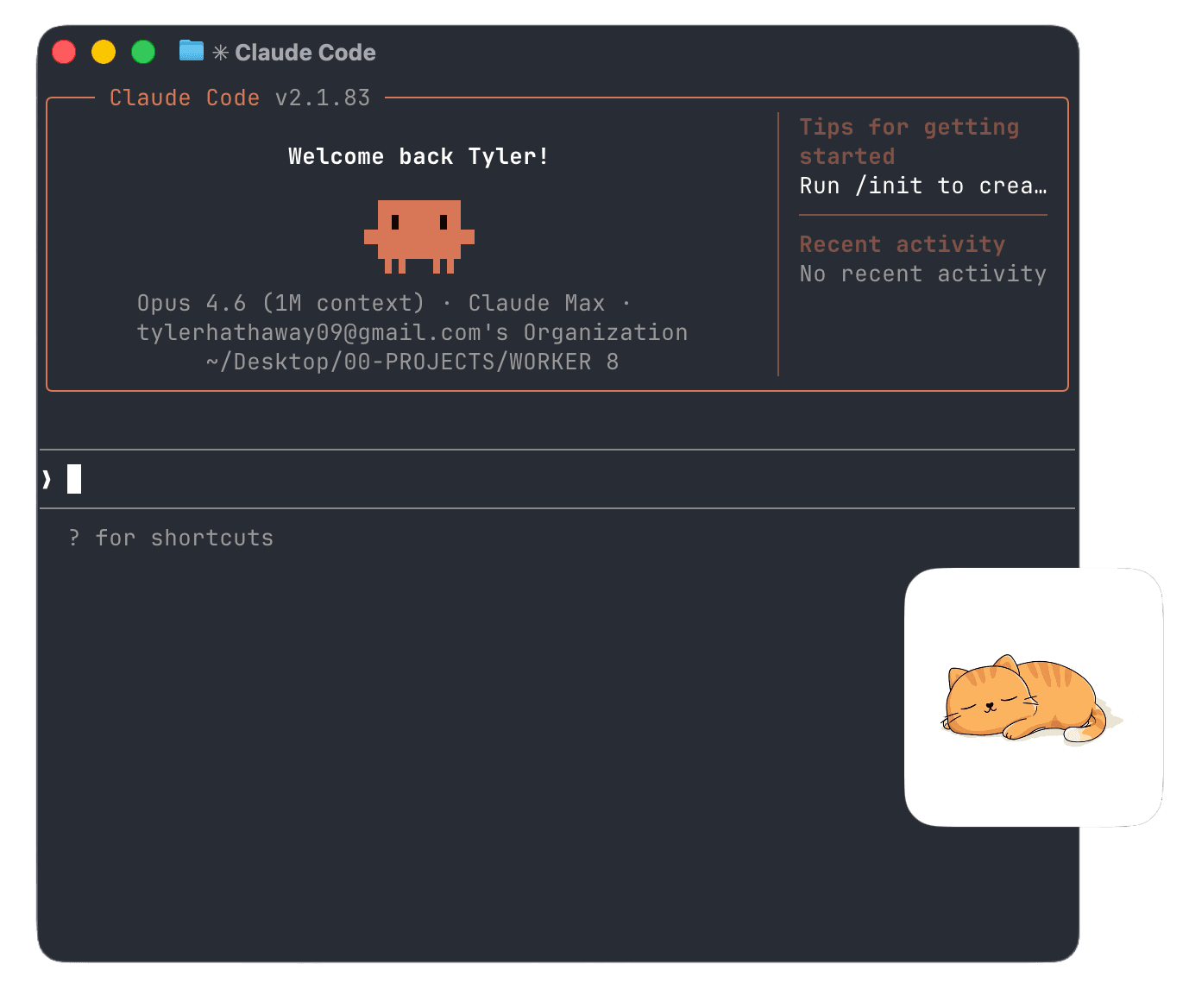
Start Coding
Start a new Claude Code session and your cat comes to life.
Skins Gallery Coming Soon
A place to discover and share custom characters for your Claude Code companion. Browse community creations or submit your own.
Have a skin to submit?
Each skin needs 4 looping animations: idle, working, needs input, and completed.
Common questions
How do I know when Claude Code is done without switching windows?+
How does Clawed Code connect to Claude Code?+
Can I track multiple Claude Code sessions at once?+
Can I customize the cat animations?+
Is Clawed Code free?+
What are the system requirements?+
Claude Code status, always visible
See exactly what Claude Code is doing—without switching windows.
Download for macOSv0.7.0 · macOS 12.0+